J1939 GPS Tracking: What Engine Data You Can Read
🎯 Who this article is for: integrators and fleet engineers who need to pull engine data from heavy trucks over J1939 and feed it into their own platform.
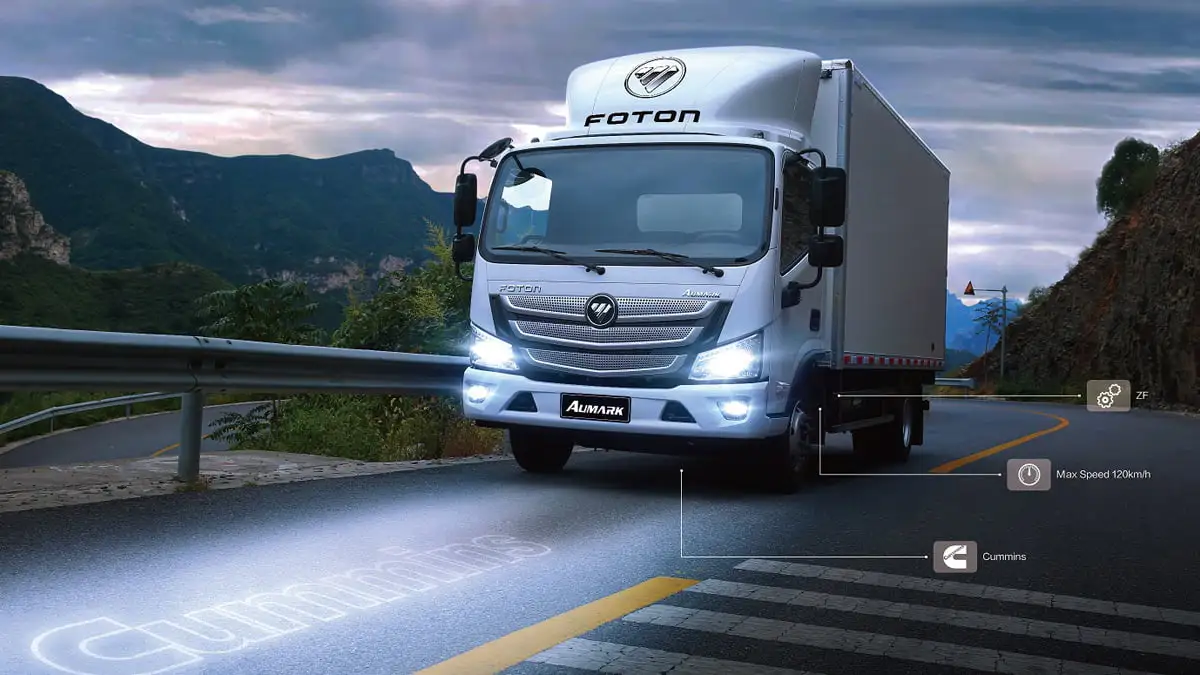
If you work with trucks, J1939 is the bus that matters. It's the SAE standard that the ECUs of heavy vehicles —Volvo, Scania, Mercedes-Benz, MAN, DAF, Iveco and more— use to talk to each other. A GPS tracker that speaks J1939 reads the truck's real engine data instead of estimating it from GPS. This guide covers exactly what data you can read, and what to do when the parameter you need isn't standard.
What is J1939 (in one minute)
J1939 runs over CAN at 250 kbit/s (sometimes 500) and organizes data into PGNs (Parameter Group Numbers), each carrying one or more SPNs (Suspect Parameter Numbers, the individual signals). Unlike OBD2 —request/response, designed for light vehicles— J1939 is mostly broadcast: the ECU continuously publishes data on the bus, and the tracker reads it passively. That makes the connection clean and non-invasive.
Engine data Rinho reads out of the box
The Rinho Smart IoT and Spider IoT decode the standard J1939 PGNs directly. With no custom configuration you get:
| Parameter | PGN | Typical use |
|---|---|---|
| Engine RPM | 61444 (EEC1) | Idling, over-rev, engine on/off |
| Engine percent torque | 61444 (EEC1) | Load and effort |
| Accelerator pedal position | 61443 (EEC2) | Driving style, harsh acceleration |
| Total fuel used | 65257 (LFC) | Consumption per trip / per shift |
| Fuel rate | 65266 (LFE) | Instant consumption (L/h) |
| Fuel level % | 65276 (DD) | Tank level, refuel/theft detection |
| Engine coolant temperature | 65262 (ET1) | Overheating |
| Wheel / tachograph speed | 65132 (TCO1), 65265 (CCVS) | Real speed from the ECU |
| Boost (turbo) pressure | 65270 (IC1) | Engine health |
| High-resolution odometer | 65217 (VDHR) | Accurate distance |
| Engine oil pressure | 65263 (EFL/P1) | Preventive maintenance |
| Total engine hours | 65253 (HOURS) | Hour-meter, service intervals |
These are real signals decoded by the firmware, mapped to engine items the tracker reports. Fuel from the ECU is the most accurate source for fuel control (±0.5%), with no probe in the tank.
When the parameter isn't standard: CAN Profiler + CXECU
Every manufacturer adds proprietary frames beyond the J1939 standard —a specific PTO state, an implement sensor, a custom counter. For those, Rinho gives integrators a two-step workflow:
- Profile the bus — send
>SCANPF10;@BACK<to capture a 10-second statistical profile of the truck's CAN bus. The tracker reports back (RCPF) every CAN ID it saw, how often, the min/max value per byte, and which bits changed. That tells you exactly which frame and bytes carry your signal. - Define a CXECU parser — with the frame ID, byte position, length, resolution and offset, you configure a CXECU parser so the tracker decodes that custom signal from then on.
This is the difference for an integrator with an unusual vehicle: you're not limited to a fixed decode table. Full walkthrough in custom CAN bus data capture with CXECU.
How the data reaches your platform
The tracker reads and transmits; your platform turns the values into alerts, reports and rules. Rinho sends the decoded J1939 data using the open Rinho TAIP protocol or Wialon IPS, so you can integrate it into your own backend or into platforms like Wialon, Traccar, Flespi or your custom server. See Rinho's Wialon IPS support.
Using the tracker as a J1939 data logger
A dedicated J1939 data logger records engine data to local memory so you can pull it later. Rinho trackers cover that use case without adding a second box to the vehicle: they stream live and buffer offline.
- Capacity — 49,152 reports on Smart IoT and Spider IoT, 12,288 on Zero IoT.
- What gets logged — every report the device is configured to produce, including the CAN report types that carry J1939 SPNs, each with its own timestamp.
- Recovery — when the link comes back the device syncs the backlog automatically, in chronological order. Nothing is dropped while the truck is out of coverage.
- Retrieval — the
DLandBUcommands download the buffer filtered by date range, event type or event range, in ascending or descending order.
That is the classic data-logging scenario — a truck working a quarry, a mine or a remote route with no signal for days — handled by the same device that already reads the bus. Details on Datalog and offline storage.
In short
- J1939 gives you the truck's real engine data: RPM, fuel, temperature, hours, odometer and more — decoded out of the box.
- It doubles as a J1939 data logger: up to 49,152 buffered reports, synced automatically when coverage returns.
- Anything non-standard, you capture with the CAN Profiler + CXECU.
- It reaches your platform over the open protocol (TAIP / Wialon IPS).
Building telematics on heavy trucks and want hardware that exposes J1939 cleanly? See the For Integrators page or contact us with your use case.
Related articles
Send GPS Data to Your Own Server: TAIP & Wialon IPS Guide
Make your GPS tracker report to your own server: TAIP vs Wialon IPS, device setup, a sample UDP receiver and real frame parsing. Read the complete guide.
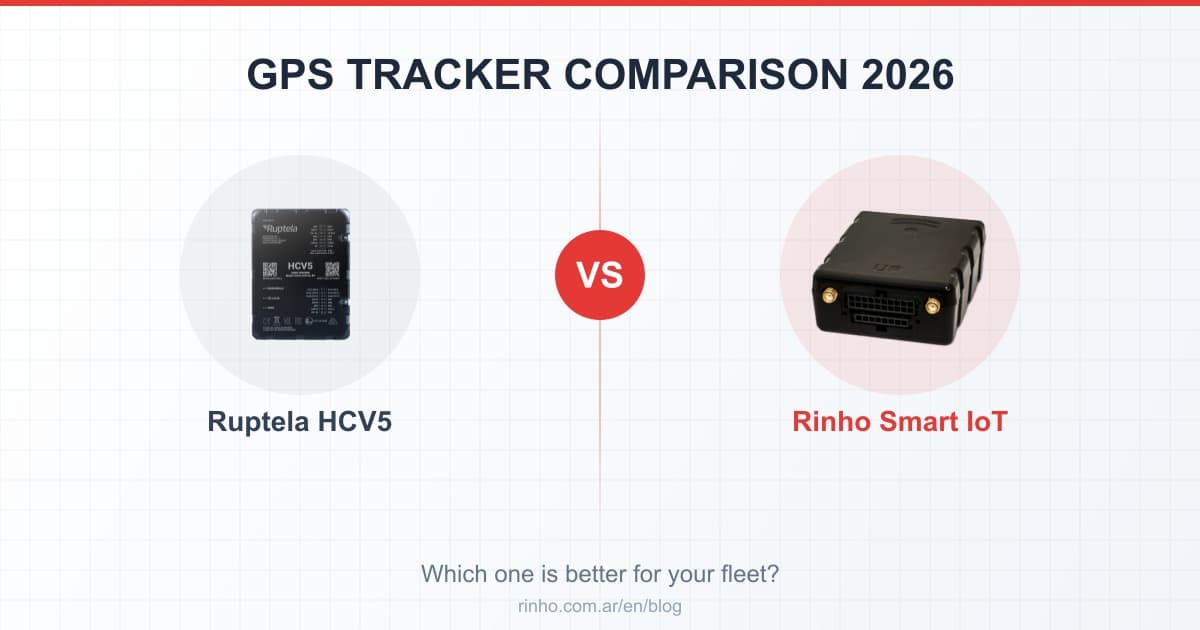
Ruptela HCV5 vs Rinho Smart IoT: Heavy Duty Trackers 2026
HCV5 vs Smart IoT: comparison of heavy-duty trackers. WiFi, event engine, CAN Bus, I/O. Which is best for LATAM fleets?
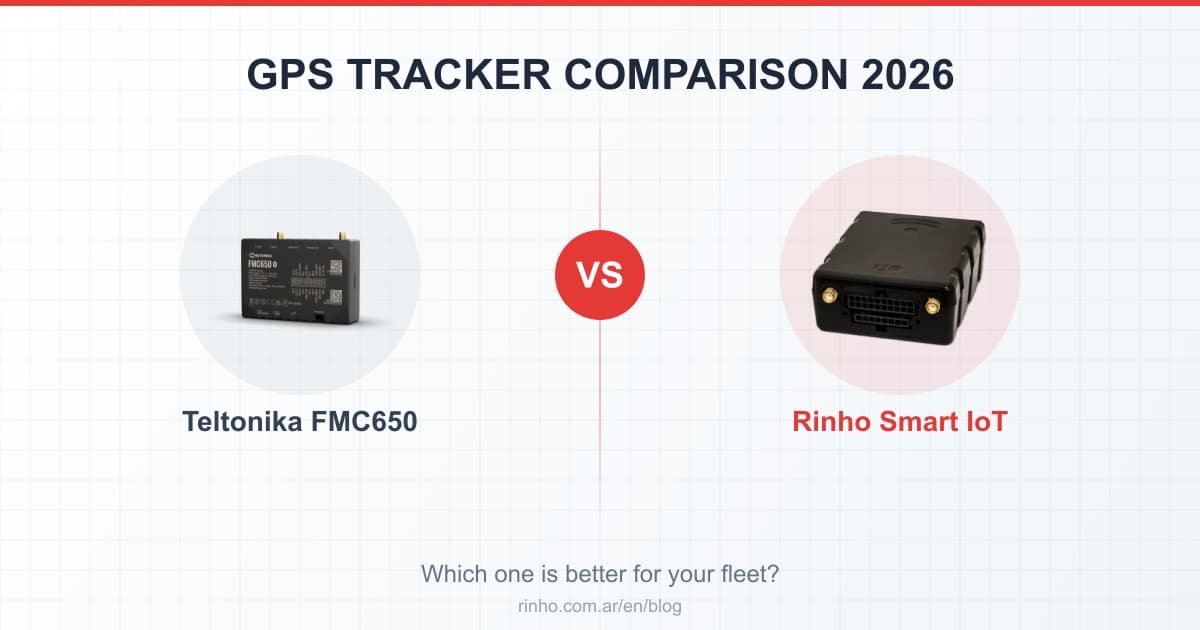
Teltonika FMC650 vs Rinho Smart IoT: Professional Trackers 2026
FMC650 vs Smart IoT: professional trackers comparison. I/O, CAN Bus, tachograph, WiFi. Which is best for heavy-duty fleets in LATAM?