Rinho integrates Wialon IPS protocol in all its devices
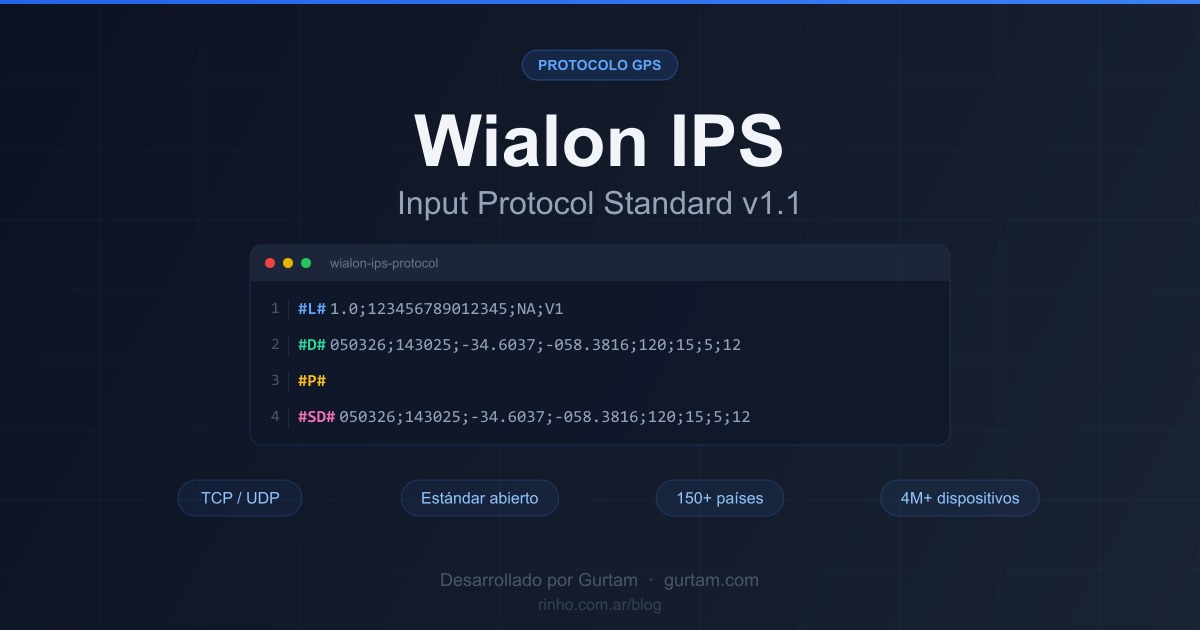
Great news for the entire Rinho ecosystem! We are pleased to announce that all our devices —Spider IoT, Smart IoT and Zero IoT— now integrate the Wialon IPS v1.1 protocol as a communication option, in addition to our proprietary Rinho TAIP protocol.
This new capability is included in firmware v1.09.19 or higher and opens the doors to a universe of GPS tracking platforms worldwide. Our devices are already listed in the official Wialon hardware catalog as "Rinho IPS".
🎯 Who is this article for: integrators, distributors and fleet operators looking to connect Rinho devices to GPS tracking platforms compatible with Wialon IPS.
What is the Wialon IPS protocol?
Wialon IPS (Input Protocol Standard) is a GPS device communication protocol developed by Gurtam, the creators of Wialon, the world's leading GPS tracking platform with a presence in over 150 countries and 4 million connected devices.
Its main features:
- Open standard: public documentation under GNU FDL license, adopted by hundreds of GPS manufacturers worldwide
- TCP/UDP communication: reliable data transmission over cellular networks
- Password authentication: secure login that protects communication between the device and the server
- Normalized data: sending and receiving GPS position, sensors, digital and analog parameters, and any custom data in a standardized way
- Bidirectional: allows both sending data to the server and receiving remote commands
Version v1.1 is the most widely adopted and has become a de facto standard in the GPS tracking industry.
Why did we integrate Wialon IPS?
The decision to integrate this protocol responds to two strategic objectives:
1. Deep integration with Wialon
Being the native and original protocol developed by Gurtam for their own platform, Wialon IPS enables a natural and deep connection with the entire Wialon universe. This means that all the internal intelligence of Rinho devices —CAN Bus, BLE sensors, accelerometer, event engine with 196 configurable rules— connects directly with the advanced functionalities of this world-class platform.
The result: deeper applications, more comprehensive reports, and maximum use of both technologies working together.
2. Expanded compatibility
Until now, connecting a Rinho device to a tracking platform required that platform to integrate our proprietary Rinho TAIP protocol. With Wialon IPS, this barrier disappears.
Now, any platform that supports the Wialon IPS v1.1 protocol —and there are many— can receive data from Rinho devices without any additional development. This opens the door to dozens of tracking platforms worldwide, including white-label solutions for those who want to create their own GPS tracking brand.
Compatible devices
All devices in Rinho's current product line support both protocols:
| Device | Rinho TAIP Protocol | Wialon IPS v1.1 Protocol | Minimum Firmware |
|---|---|---|---|
| SPIDER IoT | ✅ | ✅ | v1.09.19 |
| SMART IoT | ✅ | ✅ | v1.09.19 |
| ZERO IoT | ✅ | ✅ | v1.09.19 |
💡 Tip: if you already have Rinho devices installed, you only need to update the firmware to version v1.09.19 or higher to enable Wialon IPS. Check the technical documentation for update instructions.
What platforms can I connect to now?
The Wialon IPS v1.1 protocol is supported by numerous GPS tracking platforms worldwide. Here are some of the most notable:
| Platform | Type | Highlights |
|---|---|---|
| Wialon (Gurtam) | SaaS / On-premise | Protocol creator. 4M+ devices, 150+ countries. Rinho is already listed in their official catalog |
| Navixy | SaaS White-label | Full white-label with customizable apps. 1,600+ supported devices |
| Traccar | Open Source | Free, 200+ protocols, Apache 2.0 license. Ideal for technical integrators |
| GPS-server.net | SaaS White-label | From €1.25/device/month. 993 device types. Most affordable option |
| GPSWOX | SaaS White-label | Geared towards GPS entrepreneurs. 1,500+ businesses launched with their platform |
| Flespi (Gurtam) | IoT Middleware | Universal gateway that normalizes data to JSON. Ideal as middleware layer |
And many more platforms that integrate this open standard. If your platform supports Wialon IPS v1.1, you can connect Rinho devices directly.
Rinho TAIP Protocol vs Wialon IPS: when to use each?
The addition of Wialon IPS does not replace our proprietary protocol. Both coexist and each has its ideal scenario:
| Feature | Rinho TAIP | Wialon IPS v1.1 |
|---|---|---|
| Type | Proprietary | Open standard (Gurtam) |
| Authentication | ✅ | ✅ (login with password) |
| Custom data | ✅ | ✅ (normalized parameters) |
| Remote management | ✅ | ✅ (via GPRS) |
| Native platforms | Wialon, RedGPS, Cybermapa, Traccar, GPSWOX, Aker and more | Any platform with Wialon IPS support |
| Best for | Platforms that already integrate Rinho | New platforms without Rinho integration |
📖 Recommendation: if your platform already supports the Rinho TAIP protocol, keep using it. If you need to connect to a new platform that doesn't integrate our protocol yet, Wialon IPS is the way to go.
Technical details in Wialon
For those who need to configure the unit in Wialon, here are the connection details:
| Parameter | Value |
|---|---|
| Device type | Rinho IPS |
| Unique ID | Device serial number |
| Server port | 22500 |
| Protocol | Wialon IPS v1.1 |
| Communication | UDP / GPRS |
You can see the complete data sheet in the Wialon hardware catalog.
Key benefits
- ✅ More platforms: connect your Rinho devices to any Wialon IPS compatible platform, without waiting for integrations
- ✅ World standard: a proven, documented protocol adopted by the global GPS tracking industry
- ✅ Secure connection: password authentication to protect communication
- ✅ Full Rinho power: CAN Bus, BLE sensors, WiFi, accelerometer and 196 configurable rules, now accessible on more platforms
- ✅ No additional cost: included in firmware v1.09.19. Just update and configure
- ✅ White-label ready: ideal for distributors who want to create their own GPS tracking brand using platforms like Navixy, GPS-server.net or GPSWOX
How to get started?
- Check your firmware: make sure you have version v1.09.19 or higher
- Choose your platform: select a tracking platform compatible with Wialon IPS
- Configure the connection: use the technical details in this article to set up both the device and the platform
- Check the documentation: visit docs.rinho.com.ar for detailed setup guides
Have questions about connecting your Rinho device using Wialon IPS? Contact us and we'll help you set it up.